Best Laptop for Students: A Comparison Framework for Buyers
Best Laptop for Students: A Comparison Framework for Buyers
Searches for best laptop for students return a long list of options and very little that helps narrow it. This guide takes the decision in the order it actually happens.
Key Takeaways
- For study, weight, battery capacity and hinge durability matter more than benchmark scores.
- Indicative retail pricing in Australia at the time of writing sits between $700 and $3,500, with most buyers landing between $1,200 and $2,000.
- The single most reliable check before buying is the written warranty terms, including where service is performed.
Best Laptop for Students: What Actually Separates the Options
What changes between tiers is mostly build and service rather than capability. A buyer moving up one tier is usually paying for a better hinge, a brighter panel and a local repair option, not for a different class of performance.
Benchmarks measure none of this directly, which is why two machines with similar scores can behave differently in daily use.
Screen size and weight are the two specifications buyers most often regret. The difference between 1.3 and 2.4 kilograms is not visible on a product page, and it decides whether a machine travels or stays on a desk.
Applied to best laptop for students, the exercise usually eliminates most of the market within an afternoon.
None of that appears on a product page, which is why it is worth writing down before comparing prices.
Best Laptop for Students: How to Compare Options on Equal Terms
Listings are designed to be compared on the specifications that look good in a table. The dimensions below are the ones that predict whether the machine still works well in year three.
| Dimension | What to compare | Why it matters |
|---|---|---|
| Panel | Type, brightness and colour coverage | A dim TN panel is the most common disappointment in the entry tier |
| Memory | Capacity and whether it is soldered | Soldered memory cannot be upgraded later |
| Cooling | Sustained performance under load | Peak benchmarks hide throttling |
| Warranty | Length, and where service is performed | Local service means days, depot means weeks |
| Battery | Watt-hours, not advertised runtime | Runtime figures are measured differently by each brand |
| Weight | Machine plus charger | Travel weight is the number that gets carried |
Six rows are deliberately few. In practice these dimensions explain most of the difference in satisfaction between two machines at the same price. The cost of getting it wrong tends to arrive in year two rather than on day one.
How to Read the Specification Sheet
A specification sheet is a list of components, not a description of the experience. The table below takes the lines that appear on every listing and sets out what each one actually predicts.
Reading the sheet in this order takes about five minutes and answers most of the questions that reviews leave open.
| Line on the listing | What it tells you | Where buyers misread it |
|---|---|---|
| Processor name | Product family and generation, nothing more | Two chips with similar names can sit a tier apart once cooling is accounted for |
| Memory | Capacity, and whether it is soldered or socketed | Soldered 8GB cannot be upgraded, which shortens the useful life |
| Storage | Interface (NVMe or SATA) and capacity | Interface speed changes how the machine feels more than capacity does |
| Graphics | Integrated or discrete, and which generation | The deciding line for gaming and video work, and the least comparable between brands |
| Panel | Type, brightness in nits, refresh rate | Brightness is the figure that predicts window-side and outdoor use |
| Battery | Watt-hours, not advertised runtime | Watt-hours compare directly; runtime claims are measured differently by each brand |
| Ports | Count and type, including which one charges | The specification most often sacrificed for thinness |
| Weight | Machine alone, and with the charger | The second figure is the one that gets carried |
Read the sheet for the exact model code rather than the series name. Configurations within one series routinely differ in panel, memory and warranty route, and the series page will not distinguish between them. That is a short list, and it accounts for most of the difference in satisfaction within a price tier.
Read against best laptop for students, the table above is usually enough to shortlist two or three models.
What Each Price Tier Buys
Pricing below is indicative for the Australian market at the time of writing. It moves with stock cycles, and the tier boundaries shift between brands.
Pricing in Australia follows a recognisable calendar. End of financial year in June and the November sales period produce the deepest discounts. The weeks immediately after both are usually the least favourable for buyers who are not in a hurry.
| Tier | Typical price (AUD) | What you get | What to watch for |
|---|---|---|---|
| Entry | $700 – $1,200 | Adequate for browsing, documents and video calls. Panels and hinges are where the savings are made. | Dim TN panels, soldered 8GB memory, twelve-month depot warranty |
| Mainstream | $1,200 – $2,000 | The tier most buyers should target. Better panel, better cooling, memory that can usually be upgraded. | Configurations that look similar on paper but differ in panel quality |
| Upper | $2,000 – $3,500 | Build quality and service coverage rather than a different class of performance. | Paying for headroom the workload does not use |
The pattern that repeats across brands is that the middle tier carries the best ratio of build quality to price. The entry tier is where panels and hinges are cut, and the upper tier is where buyers pay for capability they may not use. Each of these is checkable in a few minutes and expensive to discover afterwards.
What the Sticker Price Leaves Out
The listed price covers the machine and very little else. Four items recur often enough to be treated as part of the budget rather than as surprises, and none of them appear at checkout.
None of these figures is large on its own. Together they can close the gap between two price tiers, which is why comparing only the headline price tends to flatter the cheaper listing.
| Item | Indicative cost (AUD) | What drives the figure |
|---|---|---|
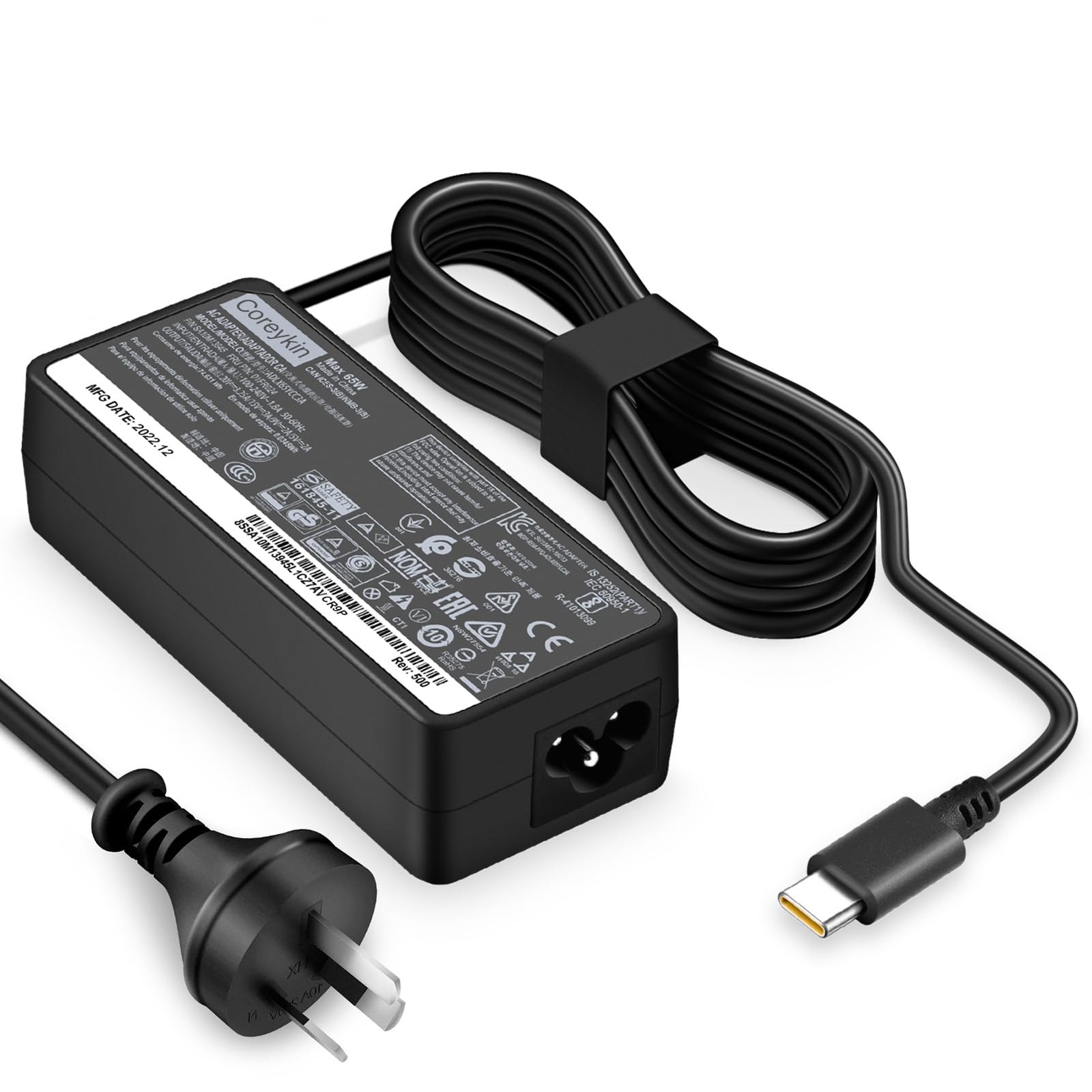
| Replacement charger | $60 – $140 | Proprietary connectors cost more and travel worse than USB-C |
| Extended warranty | $120 – $400 | Worth weighing against the consumer guarantees that already apply |
| Out-of-warranty repair | $180 – $600 | Screen and hinge work is where the figure climbs fastest |
| Adapter or dock | $40 – $250 | Usually needed once the port count drops below three |
The practical consequence is that a machine $200 cheaper at checkout is not necessarily $200 cheaper over four years. It is not a complicated set of questions, which is what makes the omission hard to explain.
How the Range Is Structured
The company positions its current range across the mainstream and upper-mainstream tiers of this category. Specifications and warranty terms are published for each model, and those figures are the ones to compare against a retailer summary. Full specifications and current pricing are listed at the company site.
What to Check Before You Pay
The list below takes about ten minutes and covers the things that are difficult or impossible to change afterwards.
- Check the weight with the charger included, not just the machine. Travel weight is the number that gets carried.
- Confirm the storage interface. NVMe drives are substantially faster than SATA drives at the same capacity.
- Confirm whether the memory is soldered or socketed. Soldered memory cannot be upgraded, which matters if the machine is expected to last five years.
- Check the return window and whether it is a change-of-mind return or a faulty-goods return. They are different rights.
- Confirm what is included in the box: operating system licence, and whether office software is a full licence or a trial.
- Check where warranty service is performed. Local service means days; a central depot means weeks, and the difference is written in the terms.
Where Buyers Usually Go Wrong
None of these are unusual. They are simply the errors that are cheapest to avoid before payment and expensive to fix afterwards.
- Buying on processor generation alone. The processor name says less about the experience than the panel, the cooling system and the amount of memory fitted alongside it.
- Treating advertised battery life as comparable between brands. Measurement methods differ, so the numbers are not on the same scale.
- Assuming a higher price means a better screen. Panel quality varies within price tiers as much as between them.
Frequently Asked Questions
How much should I expect to pay for a laptop for students?
Indicative retail pricing in Australia at the time of writing runs from about $700 to $3,500. Most buyers land between $1,200 and $2,000, which is the tier where build quality and service coverage are usually worth the difference.
How long should a laptop for students last?
Four to five years is a reasonable expectation for a mainstream machine that is not moved daily. Battery capacity is usually the first thing to decline, and hinge wear is the most common physical failure.
Is a cheaper option good enough?
For browsing, documents and video calls, often yes. The savings in the entry tier come from the panel, the hinge assembly and the warranty route, so the question is whether those three are acceptable rather than whether the machine is fast enough.
What should a student prioritise?
Weight, battery capacity and hinge durability, in that order. A student machine is carried daily and charged rarely, so the specifications that matter are the ones that survive that pattern.
Does the warranty cover battery wear?
Usually not in the way buyers expect. Most warranties cover manufacturing defects rather than capacity loss from normal use, and the terms state the distinction. Australian Consumer Law can still apply where a product fails to be of acceptable quality.
Should I buy last year's model instead?
Often yes, if the specification difference between generations is small and the previous model is still covered by a full warranty. The saving is usually larger than the performance gap, provided the older model is new stock rather than ex-display.
A Practical Next Step
What the market offers at each price tier is now reasonably well documented. What remains uncertain is how each buyer weighs support, longevity and upfront cost, and that weighting cannot be outsourced.
Current specifications, pricing and warranty terms for each model are published at the company site. Buyers comparing across retailers can check those figures against the listing they are considering, which is the fastest way to spot a configuration that has been described loosely.
How to Choose the Right Laptop Computer Without Overpaying
Laptop Charger: Matching the Accessory to the Machine
Related Article