
Difference in a Laptop & a Desktop CPU
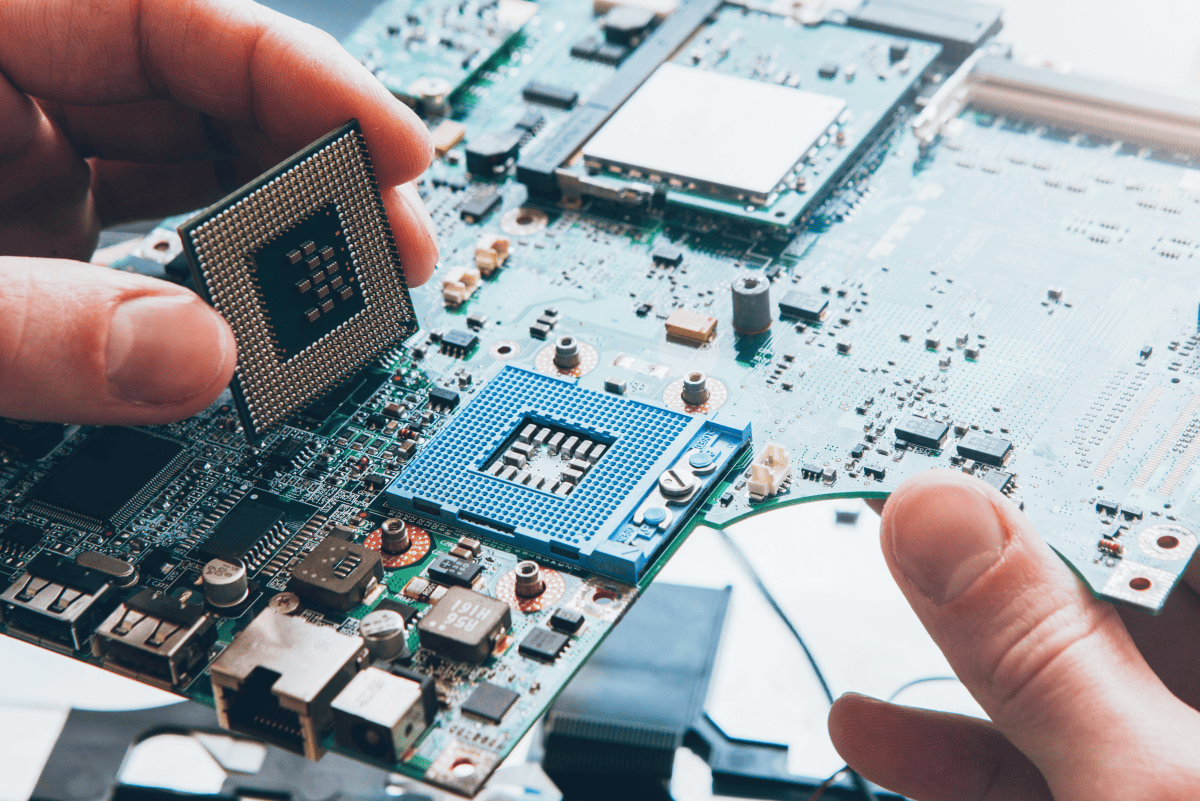
Difference in a Laptop & a Desktop CPU
When choosing between a laptop and a desktop computer, one of the most critical components to consider is the Central Processing Unit (CPU). While both types of processors perform the same fundamental task—executing instructions and processing data—their designs, performance, and efficiency differ significantly due to the unique constraints of each form factor.
In this article, we’ll explore the key differences between laptop and desktop CPUs, covering:
-
Power Consumption & Thermal Design
-
Performance & Clock Speeds
-
Upgradability & Longevity
-
Integrated vs. Discrete Graphics
-
Price & Value Considerations
By the end, you’ll have a clear understanding of which type of CPU best suits your needs—whether you prioritize portability, raw power, or a balance of both.
1. Power Consumption & Thermal Design
Laptop CPUs: Built for Efficiency
Laptop processors are designed with power efficiency in mind. Since laptops rely on batteries, their CPUs must balance performance with energy consumption. To achieve this, manufacturers use:
-
Lower Thermal Design Power (TDP): Typically ranging from 5W to 45W, compared to desktop CPUs that can go up to 125W or more.
-
Advanced Power Management: Features like Intel’s Speed Shift and AMD’s PowerNow! dynamically adjust clock speeds to conserve battery.
-
Optimized Architectures: Modern laptop CPUs (e.g., Intel’s U-series and AMD’s Ryzen U-series) use smaller fabrication processes (e.g., 7nm, 5nm) to reduce heat output.
Desktop CPUs: Raw Power with Higher Heat Output
Desktop processors prioritize performance over power savings, as they are plugged into a constant power source. Key characteristics include:
-
Higher TDP (65W–125W+): Allows for sustained high performance, especially in multi-core workloads.
-
Better Cooling Solutions: Desktops can accommodate large air coolers, liquid cooling, or even extreme overclocking setups, whereas laptops rely on compact heat pipes and small fans.
-
No Strict Power Limits: Unlike laptops, desktops don’t throttle performance to save battery, leading to more consistent speeds.
Takeaway: If you need long battery life and portability, a laptop CPU is ideal. For maximum performance without thermal constraints, a desktop CPU is superior.
2. Performance & Clock Speeds
Laptop CPUs: Boost Clocks vs. Sustained Performance
Laptop processors often feature high boost clocks (e.g., Intel Core i7-13700H up to 5.0 GHz) but may not sustain these speeds due to:
-
Thermal Throttling: Under heavy loads, laptops reduce clock speeds to prevent overheating.
-
Power Limits (PL1/PL2): Many laptops enforce strict power caps, limiting prolonged performance.
Desktop CPUs: Higher Base Clocks & Overclocking Potential
Desktop CPUs generally offer:
-
Higher base clock speeds (e.g., Intel Core i9-13900K at 3.0 GHz base, 5.8 GHz boost).
-
Better multi-core performance due to higher power budgets.
-
Overclocking support (e.g., Intel’s K-series, AMD’s Ryzen X-series), allowing enthusiasts to push performance further.
Benchmark Example:
-
A desktop Ryzen 9 7950X outperforms a laptop Ryzen 9 7945HX in sustained workloads due to better cooling and power delivery.
Takeaway: Desktops deliver better sustained performance, while laptops offer burst performance ideal for short, intensive tasks.
3. Upgradability & Longevity
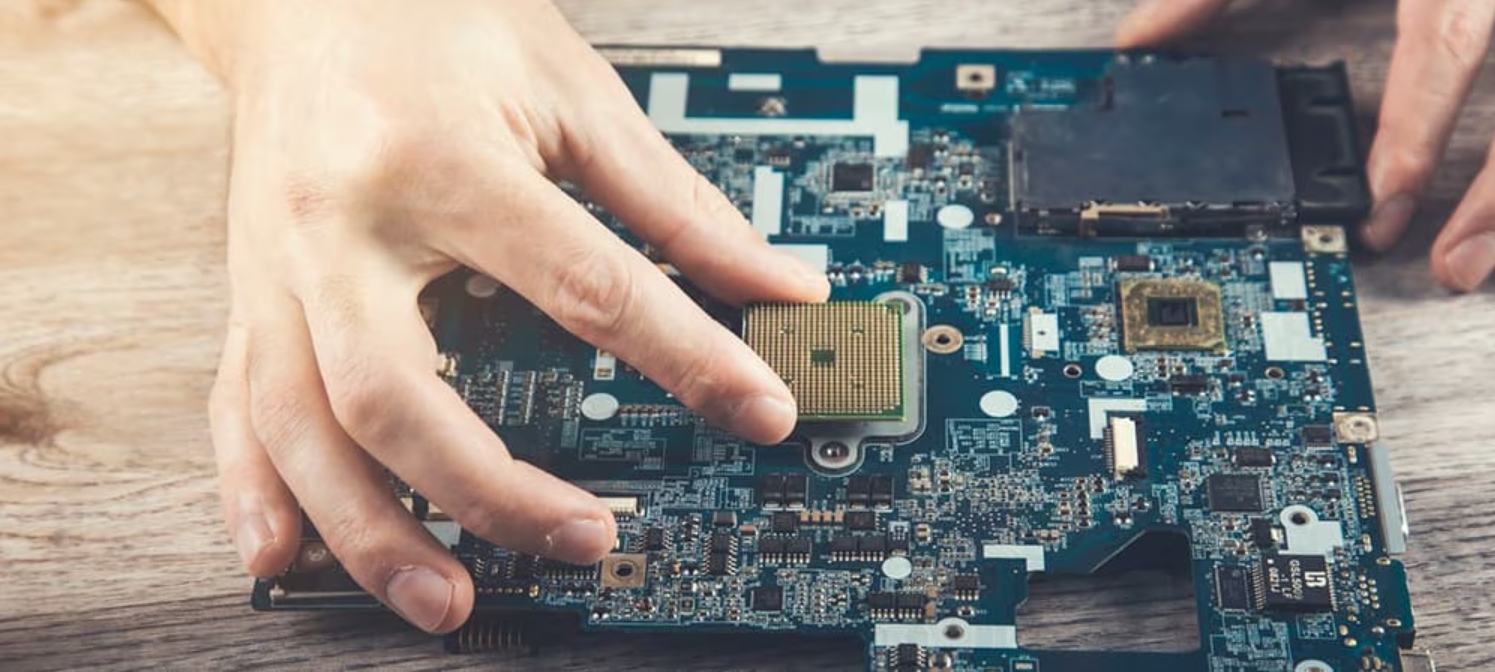
Laptop CPUs: Soldered & Non-Upgradable
Most modern laptops feature soldered CPUs, meaning:
-
No upgrade path: You’re stuck with the same CPU for the laptop’s lifespan.
-
Limited repairability: A faulty CPU often requires a full motherboard replacement.
Desktop CPUs: Socketed & Future-Proof
Desktop processors use interchangeable sockets (e.g., AM5, LGA 1700), allowing:
-
Easy upgrades: Swap an older CPU for a newer one without changing the entire system.
-
Longer lifespan: A desktop can last 5–10 years with periodic upgrades.
Takeaway: Desktops win in upgradability, while laptops are more disposable after a few years.
4. Integrated vs. Discrete Graphics
Laptop CPUs: Stronger iGPUs for Portability
Many laptop CPUs come with powerful integrated GPUs (e.g., AMD’s Radeon 780M, Intel’s Iris Xe), which:
-
Eliminate the need for a dedicated GPU in light gaming/content creation.
-
Help save battery life compared to discrete GPUs.
Desktop CPUs: Often Paired with Dedicated GPUs
Most desktops rely on discrete graphics cards (e.g., NVIDIA RTX 4090, AMD RX 7900 XT) because:
-
iGPUs are weaker (except for AMD’s Ryzen 7000G series).
-
Desktops have space and power for high-end GPUs.
Takeaway: Laptops are better for casual gaming with iGPUs, while desktops dominate in high-end graphics performance.
5. Price & Value Considerations
Laptop CPUs: Paying for Portability
-
Laptops with high-end CPUs (e.g., Intel HX-series, AMD HX-series) can cost 1,500–1,500–3,000+.
-
Performance-per-dollar is lower than desktops due to compact design constraints.
Desktop CPUs: More Performance for the Money
-
Easier to upgrade, leading to long-term savings.
Takeaway: Desktops offer better value for raw power, while laptops charge a premium for mobility.
Conclusion: Which Should You Choose?
| Factor | Laptop CPU | Desktop CPU |
|---|---|---|
| Power Efficiency | ✅ Excellent | ❌ High consumption |
| Peak Performance | ⚠️ Limited by thermals | ✅ Unrestricted |
| Upgradability | ❌ Soldered | ✅ Socketed |
| Graphics | ✅ Strong iGPU | ❌ Needs dGPU |
| Price/Value | ❌ Expensive | ✅ More affordable |
Choose a Laptop CPU If:
✔ You need portability & battery life.
✔ You prioritize lightweight productivity/gaming.
✔ You don’t plan on upgrading hardware.
Choose a Desktop CPU If:
✔ You want maximum performance for gaming, editing, or 3D work.
✔ You prefer upgradability & long-term value.
✔ You don’t need to move your system frequently.
Ultimately, the best choice depends on your usage scenario. For on-the-go users, a laptop is unbeatable. For power users and enthusiasts, a desktop remains king.
Final Thoughts
Both laptop and desktop CPUs have evolved significantly, blurring the lines between them. Modern high-performance laptops (e.g., gaming/workstation models) now rival mid-range desktops, while desktop CPUs continue pushing performance boundaries.
If you need a balance, consider a powerful laptop + desktop docking setup for the best of both worlds.
Would you like recommendations for specific laptop/desktop CPUs based on your needs? Let me know in the comments! ?
How to add ram to a laptop
как подключить принтер к ноутбуку
Related Article
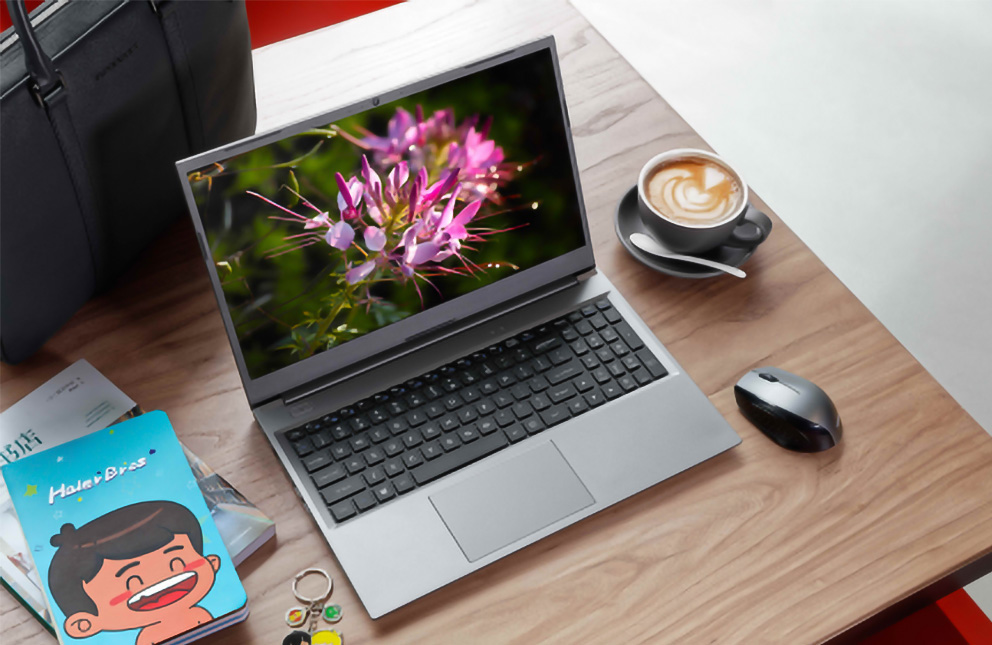

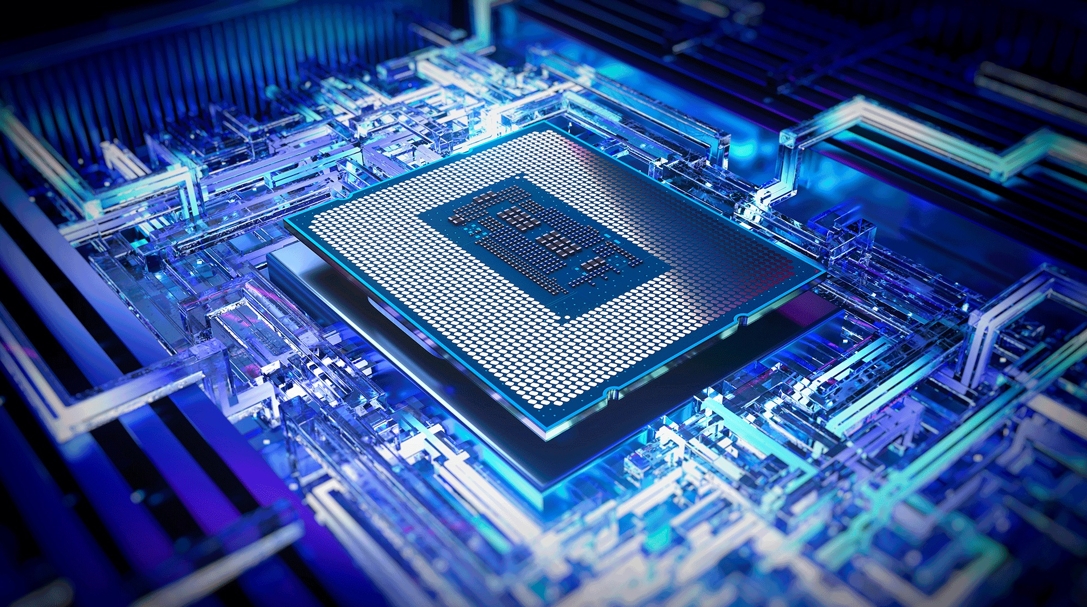
Today's laptop processors are marvels of engineering that blend raw power with specialized intelligence. Unlike older chips that relied solely on brute force, modern processors integrate dedicated AI engines called NPUs (Neural Processing Units), advanced graphics, and sophisticated power management systems.