Finding the Perfect Good Work Laptop in 2026
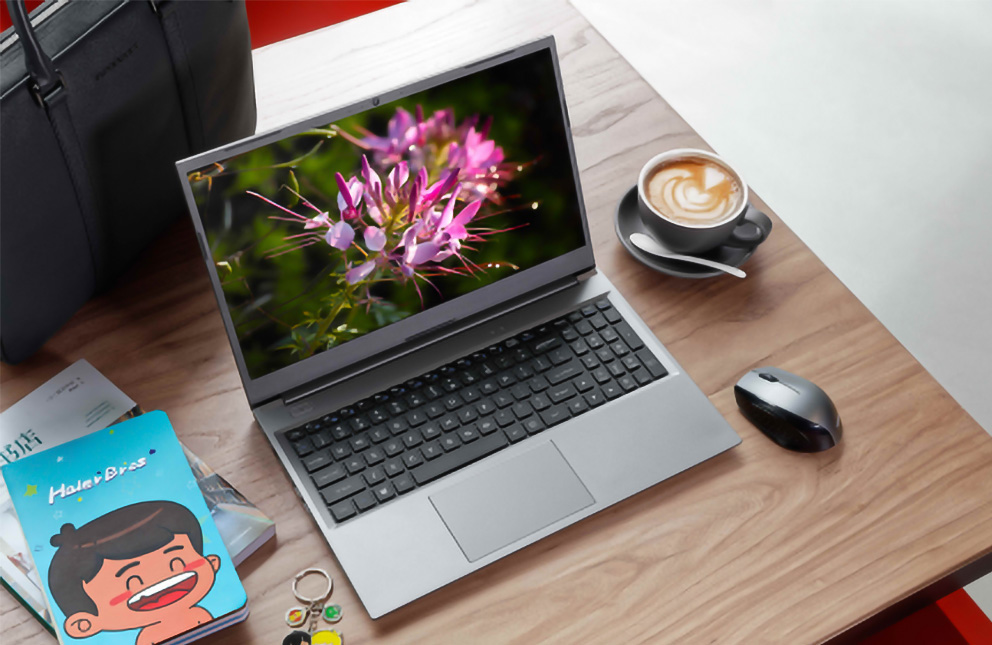
Finding the Perfect Good Work Laptop in 2026
Walk into any coffee shop today, and you’ll see them lined up on tables like a row of polished turtles—laptops glowing with spreadsheets, video calls, and the occasional guilty-pleasure Netflix stream. For millions of us, these machines aren’t just gadgets; they’re our desks, our conference rooms, and sometimes our movie theaters.
But here’s the question I hear constantly: "What’s a good work laptop?" Not the most expensive. Not the one with specs that could launch a spaceship. Just a solid, reliable machine that won’t let you down during a deadline or feel like a brick in your backpack.
After digging through the latest releases from CES 2026 and MWC 2026, and considering what real daily work looks like—spreadsheets, documents, video calls, and yes, the occasional movie—I’ve put together a guide to help you find that perfect balance. Let’s explore what makes a laptop genuinely good for work this year.
The Heart of the Machine: Performance Without the Overkill
Remember when buying a laptop meant obsessing over processor clock speeds and core counts until your eyes glazed over? Those days are fading. In 2026, even mid-range chips handle everyday tasks with embarrassing ease.
What you actually need for daily work
If your work life revolves around Microsoft Office, Google Workspace, Slack, Zoom, and a browser with seventeen tabs open (we all do it), here’s the sweet spot:
A modern Intel Core i5 or AMD Ryzen 5 processor will serve you beautifully. These chips have matured to the point where they handle multitasking like a seasoned chef juggling orders. They won’t break a sweat when you’re flipping between a massive spreadsheet, a presentation, and a video call.
The RAM reality check
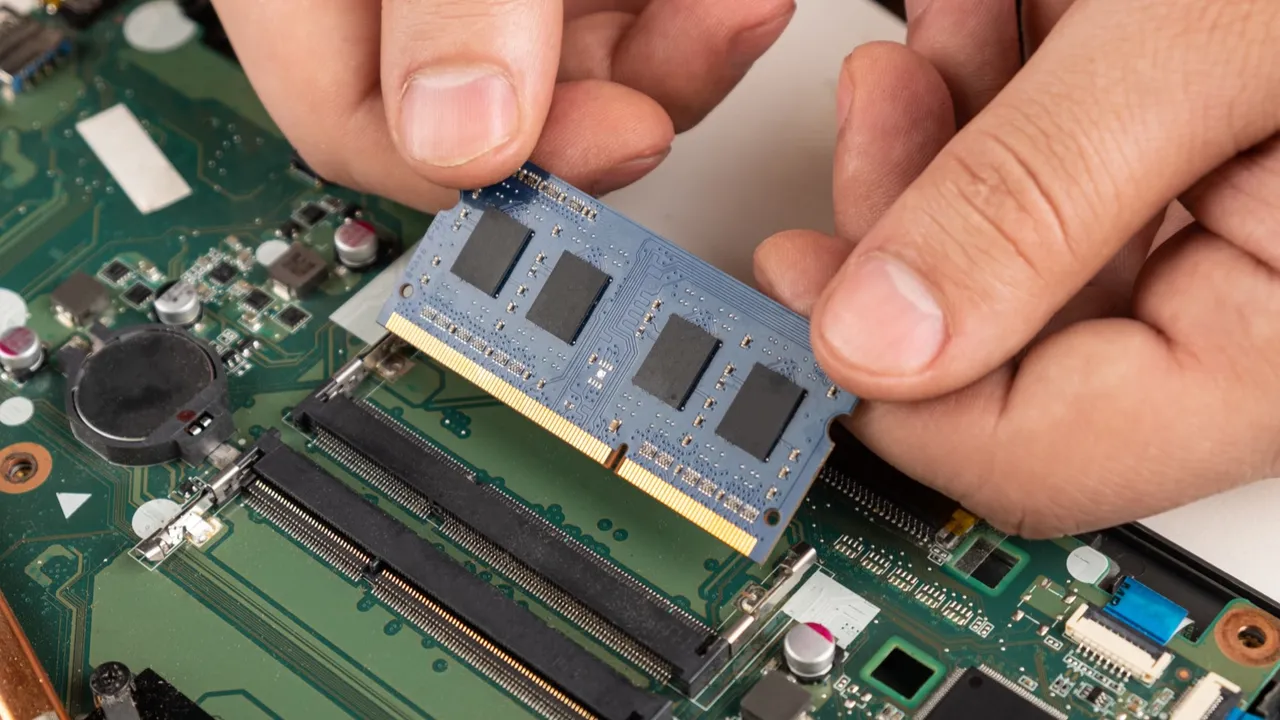
Eight gigabytes of RAM used to be the standard, but websites and applications have grown hungrier. I strongly recommend 16GB of RAM as your starting point. It’s the difference between your laptop feeling snappy eighteen months from now versus feeling sluggish. If you’re the type who keeps thirty browser tabs open while running Spotify and a dozen Slack channels, you’ll thank yourself for this choice.
Storage that won’t slow you down
Solid-state drives (SSDs) are non-negotiable in 2026. They’re fast, quiet, and durable. A 512GB SSD gives you comfortable room for your documents, photos, and a reasonable media collection. If you work with lots of videos or design files, consider 1TB. But for most of us, 512GB hits that sweet spot between space and cost.
The AI factor you didn’t ask for
Here’s something interesting happening in 2026: laptops are getting little AI helpers. New processors from Intel, AMD, and Qualcomm include dedicated AI engines (called NPUs) that handle background tasks intelligently. They optimize battery life, enhance video call backgrounds without straining the system, and can transcribe meetings locally. It’s not a must-have today, but it’s future-proofing you didn’t know you needed.
Display Matters: Where You’ll Spend Thousands of Hours
Here’s a truth that spec sheets don’t capture: you don’t interact with your processor. You don’t touch your RAM. But you stare at your screen for hours every day. Make it a good one.
Size and portability
For work, 14 inches has emerged as the goldilocks size. It’s large enough to work comfortably without squinting, yet small enough to slip into most bags. If you’re primarily desk-based, a 15.6-inch screen gives you more real estate. If you’re always moving, 13-inch models exist, but 14 inches strikes the best balance.
Resolution: don’t settle for blur
A Full HD (1920 x 1080) display is the absolute minimum I’d recommend in 2026. Text should look crisp, not fuzzy. Many laptops now offer higher resolutions like 2.8K or even 3K, which make text look printed-on-paper sharp. Once you work on a high-resolution screen, it’s genuinely hard to go back.
OLED versus IPS
This is where things get interesting for movie-watchers. OLED screens deliver incredible contrast—truly black blacks and vibrant colors. If you wind down by watching films on your laptop, OLED transforms the experience. The Samsung Galaxy Chromebook Plus, for instance, features a stunning AMOLED display that makes streaming content look phenomenal.
That said, excellent IPS displays still do the job wonderfully and often cost less. They’re brighter for outdoor use and have no risk of burn-in. Your choice here depends on whether you prioritize movie night or sunny-day coffee shop work.
Refresh rates for smooth scrolling
This used to be a gaming conversation, but in 2026, many work laptops offer 90Hz or 120Hz screens. What does that mean? Scrolling through documents and websites looks butter-smooth, with less eye strain. Once you experience it, 60Hz starts to feel slightly jerky. It’s a quality-of-life improvement worth seeking.
The Physical Experience: Keyboard, Ports, and Portability
We spend so much time reading about specs that we forget laptops are physical objects we touch for hours daily.
Keyboards matter enormously
A bad keyboard can make you dread writing emails. A good one disappears under your fingers. Lenovo’s ThinkPad keyboards remain the gold standard for tactile feedback. But others have stepped up—Dell’s latest Inspiron and HP’s EliteBook series offer comfortable, well-spaced keys with decent travel.
If possible, try before you buy. Or at least read reviews that specifically discuss typing feel. This matters more than an extra gigabyte of RAM.
Ports: the adapter struggle is real
Nothing ruins your flow like realizing you need a dongle to connect a USB drive or present on a projector. The best work laptops still include a sensible port selection.
Look for at least one USB-A port for older devices, two USB-C ports (preferably Thunderbolt 4 for speed and versatility), and an HDMI port for presentations. Some ultra-thin laptops sacrifice ports for thinness, and you’ll pay for that choice every time you can’t find your adapter.
Weight and build quality
Here’s a number that surprised me: several 2026 laptops now weigh under 1 kilogram (about 2.2 pounds). The ASUS ExpertBook Ultra hits just 0.99 kg while maintaining military-grade durability. That’s genuinely impressive.
But you don’t need to chase the absolute lightest. A laptop weighing around 1.3 to 1.5 kg (2.9 to 3.3 pounds) feels perfectly portable without sacrificing build quality or port selection. The Dell Inspiron 14, for instance, balances weight with versatility.
Battery Life: The Freedom to Forget Your Charger
Ask any remote worker what they value most, and battery life ranks near the top. Nothing kills productivity like hunting for an outlet mid-afternoon.
What good looks like
In 2026, a genuinely good work laptop should last a full workday on a charge—meaning 8 to 10 hours of mixed use. Some exceptional models, like the Dell 14 Plus, now push toward 20 hours, which means you can work for two days without plugging in.
The ASUS 14 Air 2026 claims nearly 30 hours of video playback, though real-world work will be less. Still, the trend is clear: batteries are improving dramatically.
What drains battery fast
OLED screens at high brightness, constant video calls, and demanding applications all chew through power. But modern processors are remarkably efficient, especially the new ARM-based chips from Apple and Qualcomm. If battery life is your absolute priority, look for laptops using these efficient architectures.
Work and Play: The After-Hours Test
Here’s the honest truth about work laptops: they’re also our entertainment devices. When the workday ends, that same machine becomes our portal to movies, shows, and maybe some light gaming.
Streaming and media consumption
For video watching, prioritize screen quality and speakers. OLED displays make movies look cinematic. Good speakers matter too—nobody wants tinny audio during a movie’s emotional climax. Lenovo’s Yoga series, for instance, pays attention to audio with well-designed speaker systems.
Very light gaming
While you won’t be playing the latest AAA titles on integrated graphics, many work laptops now handle casual gaming admirably. Games like League of Legends, Minecraft, or older titles run perfectly fine on modern integrated graphics. Some mid-range laptops even include entry-level dedicated graphics like NVIDIA’s RTX 2050, which opens up more gaming possibilities.
Top Picks for Different Needs
Let me share some specific recommendations based on what I’ve seen and researched. Remember, the "best" laptop is the one that fits your specific work style.
The Balanced All-Rounder: Dell Inspiron 14 2-in-1
If I had to recommend one laptop for someone who wants versatility without complexity, this would be it. The 2-in-1 design means you can use it as a laptop for typing or fold it into tablet mode for presentations or Netflix-watching.
With an Intel Core i7, 16GB RAM, and a sharp 14-inch touchscreen, it handles daily work with room to spare. It’s slightly heavier than pure ultraportables, but that flexibility is worth the trade-off.
The Portability Champion: ASUS ExpertBook Ultra
For travelers and coffee-shop warriors, this is the dream. At under 1 kilogram, it’s lighter than a MacBook Air yet packs a gorgeous 3K OLED display and enough battery to last through long days.
The build quality meets military standards, so it survives life in your bag. It’s premium-priced, but if you carry your laptop everywhere, your shoulders will thank you.
The Value King: Acer Aspire 5
Not everyone needs to spend a fortune. The Aspire 5 proves you don’t have to. With an Intel Core i5, 16GB RAM, and even a dedicated RTX 2050 graphics chip for light creative work, it delivers remarkable capability at a mid-range price.
The processor isn’t the absolute newest, and battery life is average, but for pure price-to-performance ratio, it’s hard to beat.
The Movie Lover’s Choice: Samsung Galaxy Chromebook Plus
Here’s an unconventional pick. If your work lives primarily in the browser—Gmail, Google Docs, web apps—a Chromebook makes sense. And this one has a stunning AMOLED screen that makes movies look incredible.
It’s lightweight, simple, and secure. Just know that ChromeOS won’t run traditional Windows applications. But for web-based workers who prioritize entertainment after hours, it’s a compelling option.
The Windows Standard: Dell 14 Plus
For someone who just wants a no-drama Windows laptop that works well and lasts forever on a charge, look at the Dell 14 Plus. With nearly 20 hours of battery life, a sharp 1600p screen, and solid build quality, it’s what most people actually need.
It’s not flashy, but it’s dependable—and sometimes that’s exactly what a work laptop should be.
Making Your Decision: A Simple Framework
When you’re comparing laptops, here’s how I suggest you think about it:
Step 1: Set your budget. Determine what you’re comfortable spending. Mid-range laptops ($700–$1,200) now offer exceptional capability.
Step 2: Prioritize your needs. Rank these in order: portability, screen quality, battery life, performance. There’s no perfect laptop, so knowing your priority helps you trade off wisely.
Step 3: Consider your ecosystem. Do you live in Google’s world? A Chromebook might suit you. Deeply invested in iPhone? A MacBook integrates seamlessly. Prefer Windows flexibility? That’s a wide-open field.
Step 4: Read recent reviews. Laptops improve constantly. A model from two years ago may feel outdated compared to 2026’s efficient processors and better screens.
The Future Is Bright (and Light)
Walking through the laptop releases of early 2026, I’m struck by how far these machines have come. They’re lighter, last longer, and include thoughtful AI features that genuinely help rather than gimmick. The gap between "work laptop" and "personal device" has nearly vanished—today’s machines handle both roles effortlessly.
A good work laptop isn’t about chasing the highest specs. It’s about finding a reliable partner for your daily tasks, one that stays out of your way when you’re working and delights you when you’re relaxing. Whether you’re typing reports, joining video calls, or unwinding with a movie, there’s a machine out there that fits your rhythm.
Take your time, consider how you actually work, and choose accordingly. Your laptop is where your digital life happens—make it a place you enjoy being.
Why Is My Laptop So Slow? A Friendly Guide to Restoring Your PC's Speed
Related Article
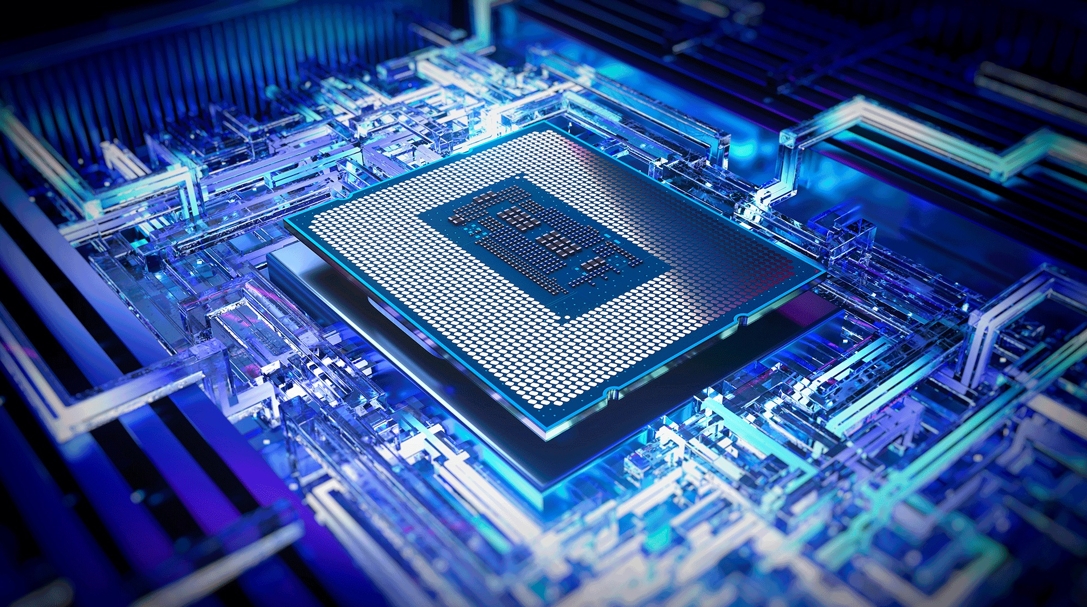
Today's laptop processors are marvels of engineering that blend raw power with specialized intelligence. Unlike older chips that relied solely on brute force, modern processors integrate dedicated AI engines called NPUs (Neural Processing Units), advanced graphics, and sophisticated power management systems.