
My laptop's CPU temperature is reaching 89°C while gaming. Should I worry?
author: KEXIDAR-R&D
2024-12-17
My laptop's CPU temperature is reaching 89°C while gaming. Should I worry?
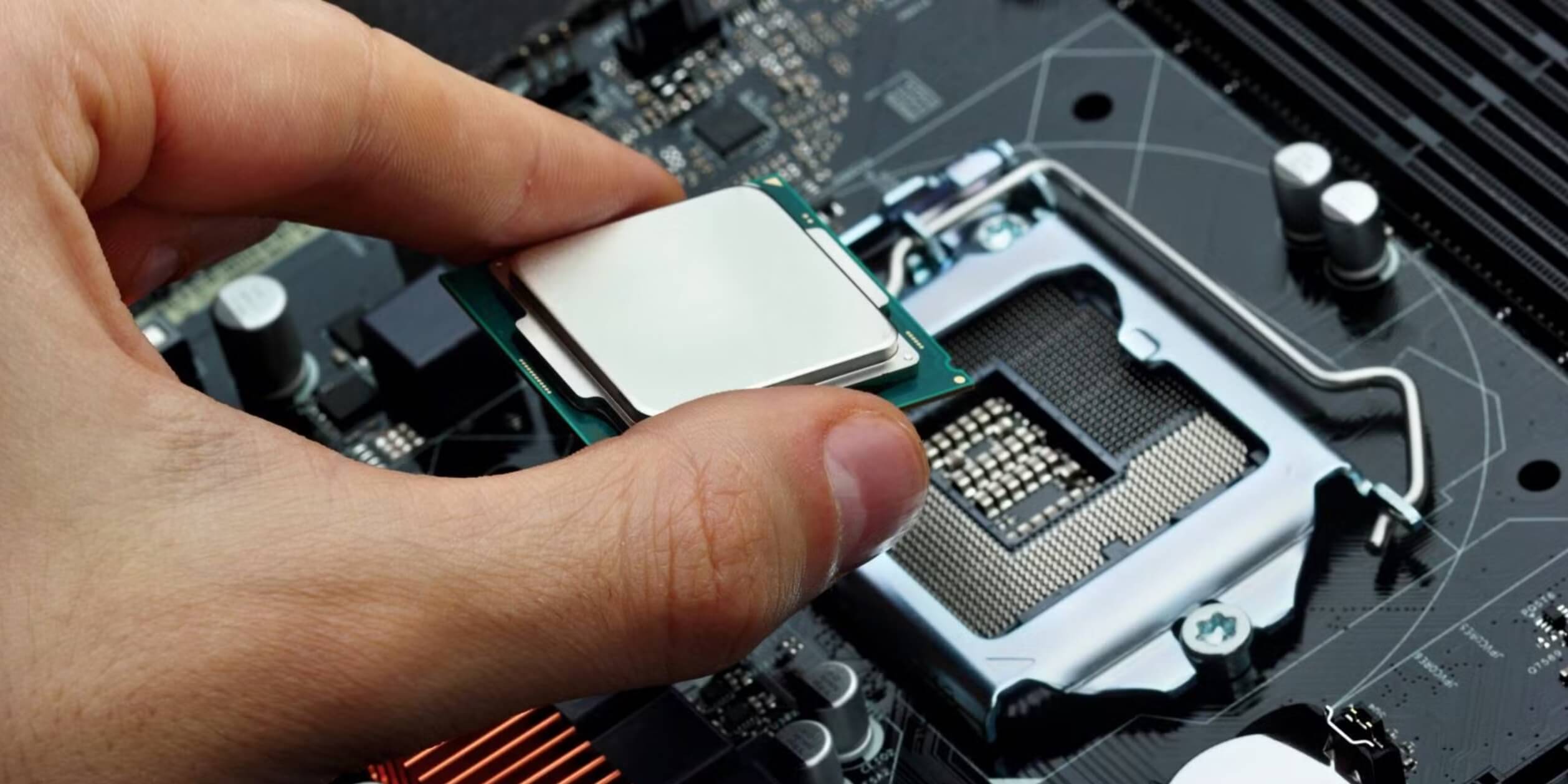
The CPU (Central Processing Unit) is the brain of any computer, responsible for interpreting and executing instructions. With gaming becoming increasingly popular, many users are concerned about the high temperature of their CPU while playing games. A temperature of 89°C may seem alarming, but there are other factors to consider before deciding whether or not to worry.
Firstly, it's important to understand that CPUs are designed to operate at high temperatures. Processors are equipped with a thermal junction, which helps to prevent damage by slowing down the CPU or shutting down the computer if the temperature exceeds a certain threshold. The maximum operating temperature for most CPUs is around 100°C, so 89°C is still well within safe limits.
However, running your CPU at high temperatures for extended periods can shorten its lifespan and increase the chances of system instability. High temperatures can also lead to thermal throttling, which is where the CPU automatically reduces its clock speed to reduce heat output. This can result in poorer performance and longer loading times, which can negatively impact gameplay.
There are several factors that can contribute to high CPU temperatures while gaming. One of the most common reasons is inadequate cooling. Over time, dust and debris can accumulate inside the laptop, blocking air vents and preventing the cooling system from functioning efficiently. This can cause temperatures to rise, leading to overheating and poor performance. Regularly cleaning your laptop's vents and fans can help to prevent this.
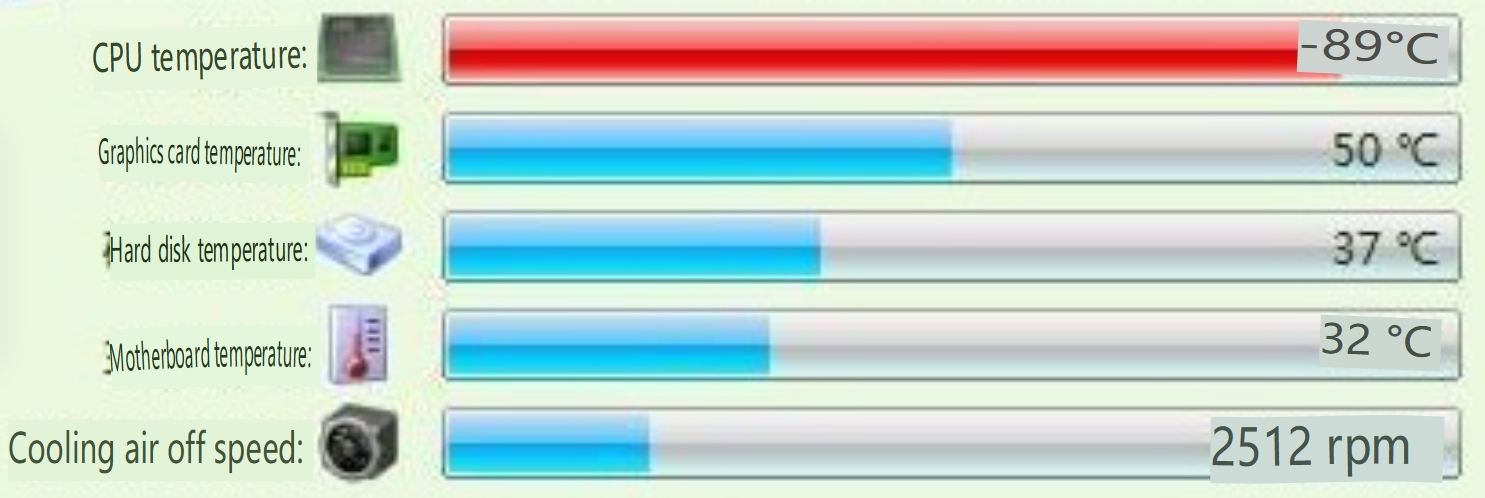
Another factor to consider is the intensity of the game being played. Some games are more demanding than others, and will naturally cause the CPU to work harder and generate more heat. It's also worth noting that laptops are generally less capable of dissipating heat than desktops, due to their more compact size and limited airflow.
If you're concerned about your CPU's temperature while gaming, there are several steps you can take to reduce it. Firstly, you can try lowering the graphics settings in the game, which will reduce the workload on the CPU. You can also consider investing in a laptop cooling pad, which can help to improve airflow and reduce temperatures. Regularly cleaning the laptop's vents and fans is also important for maintaining optimal cooling performance.
In conclusion, a CPU temperature of 89°C while gaming is not necessarily a cause for concern, as long as it remains within safe limits. However, it's important to take steps to prevent overheating and maintain optimal performance. Regularly cleaning your laptop's cooling system, lowering graphics settings, and investing in a cooling pad are all effective ways to reduce temperatures and improve performance.
как сделать скрин на ноутбуке
How to Use the Scroll Lock Key on a Laptop
Related Article

But here’s the question I hear constantly: "What’s a good work laptop?" Not the most expensive. Not the one with specs that could launch a spaceship. Just a solid, reliable machine that won’t let you down during a deadline or feel like a brick in your backpack.
Finding the Perfect Good Work Laptop in 2026

Follow my expert advice to make your Windows 11 PC faster, regardless of its age or specs, without compromising the appearance and functionality of the OS.
Why Is My Laptop So Slow? A Friendly Guide to Restoring Your PC's Speed

You can right-click on a laptop, even if you're not using a mouse. Here's how to do it on the keyboard and touchpad in both macOS and Windows.
How to Right-Click on a Laptop
The 2025 Processor Landscape: More Than Just Speed
Today's laptop processors are marvels of engineering that blend raw power with specialized intelligence. Unlike older chips that relied solely on brute force, modern processors integrate dedicated AI engines called NPUs (Neural Processing Units), advanced graphics, and sophisticated power management systems.
Today's laptop processors are marvels of engineering that blend raw power with specialized intelligence. Unlike older chips that relied solely on brute force, modern processors integrate dedicated AI engines called NPUs (Neural Processing Units), advanced graphics, and sophisticated power management systems.
Choose the best laptop processor in 2025