
General troubleshooting of computers
Abstract: This paper introduces the common hardware, software and network failures of notebook computers, and the corresponding solutions. This includes hardware faults such as the display screen, keyboard, hard disk, and battery, software faults such as operating system crashes, virus attacks, and software incompatibilities, and network faults such as unstable network connections and failure to connect to the Internet. Also mentioned the heat dissipation problem and driver problem, it is recommended to maintain and maintain the computer regularly, keep a cool head, rationally analyze the cause of the problem, and choose the appropriate solution to deal with.
Laptop, this light and powerful tool, occupies a pivotal position in our daily life. However, due to the particularity of its structure, it often encounters some minor failures, these seemingly insignificant failures, although they will not make the computer completely ineffective, but undoubtedly bring no small trouble to our daily use. Let's explore these annoying glitches and their solutions.
These "naughty" faults can be roughly divided into the following categories:
1. Hardware failure: This mainly involves the physical components of the computer, such as the display screen, keyboard, hard disk, battery and so on. These problems can result from improper use, natural wear or manufacturing defects.
2. Software failure: This is due to software problems caused by the computer can not be used normally. For example, operating system crashes, virus attacks, software incompatibility, etc.
3. Network failure: The computer cannot access the Internet properly due to network connection problems. For example, the network connection is unstable, unable to connect to the Internet, etc.
In the face of these failures, we are not helpless, and here are the corresponding solutions:
1. Solution to hardware failure:
* Display: Check whether the connection of the display screen is stable and the power supply is normal. If the problem persists, the display may need to be replaced.
* Keyboard: Check if any keys on the keyboard are stuck or damaged. Replace the keyboard if necessary.
* Hard disk: If the hard disk has read/write errors or fails to start properly, you may need to replace the hard disk.
* Battery: If the battery cannot be charged or the battery life becomes short, the battery may need to be replaced.
2. Solutions to software failures:
* Operating system crash: You can try to use system restore or reinstall the operating system to resolve the problem.
* Virus attack: Use anti-virus software for full scan and antivirus, or reinstall the operating system.
* Software incompatibility: Try to uninstall recently installed software, or find a replacement.
3. Solution to network failure:
* Unstable network connection: Check that the network connection is normal and try restarting the router or modem.
* Unable to connect to the Internet: Check that the network Settings are correct and try contacting your network service provider or restarting your router or modem.
In addition, there are some other issues that may affect the normal use of the laptop. For example, heat dissipation issues and driver issues. For heat dissipation problems, we can regularly clean the dust of the cooling fan and cooling port, or use the radiator to assist heat dissipation when using the computer for a long time. For driver problems, we can try to update or roll back the driver, or download the corresponding driver on the official website for installation. At the same time, there may be some special faults and problems for different brands and models of laptops. Therefore, in the event of a problem, it is best to consult the official maintenance manual or user manual of the relevant brand and model to understand possible faults and problems and corresponding solutions.
In general, in the face of the common faults and problems of laptops, we need to keep a cool head, rationally analyze the causes of the problems, and choose the appropriate solutions to deal with them. At the same time, in order to maintain the good condition and service life of the computer, we also need to regularly maintain and maintain it. In this way, our laptop can better serve us and become a useful assistant in our work and life.
Measuring Laptop Screen Size
Understanding the Structure of a Laptop Computer
Related Article

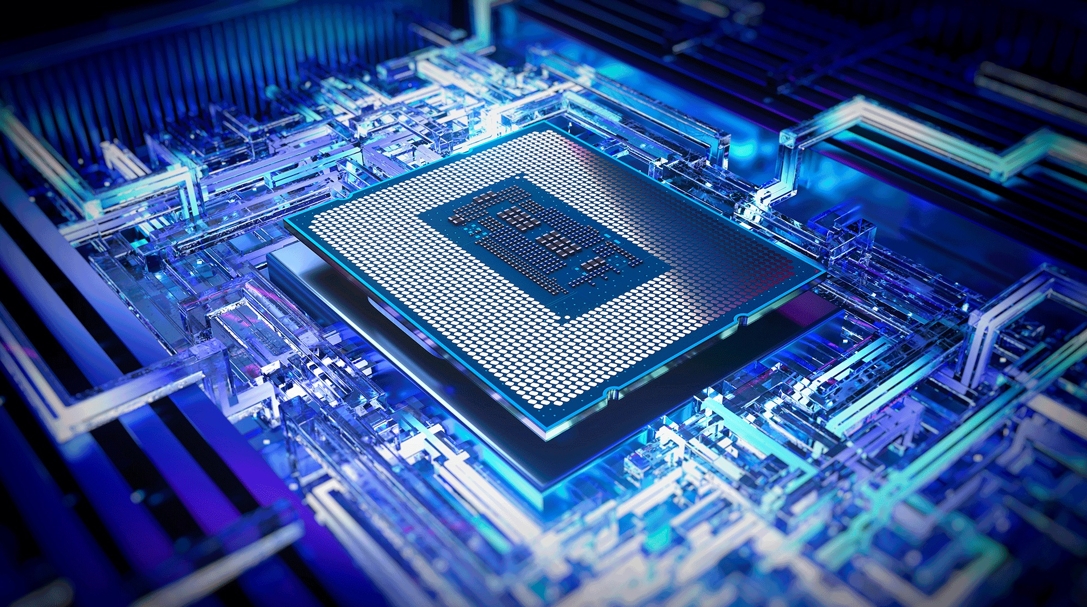
Today's laptop processors are marvels of engineering that blend raw power with specialized intelligence. Unlike older chips that relied solely on brute force, modern processors integrate dedicated AI engines called NPUs (Neural Processing Units), advanced graphics, and sophisticated power management systems.