
Measuring Laptop Screen Size
author: KEXIDAR-R&D
2024-11-01
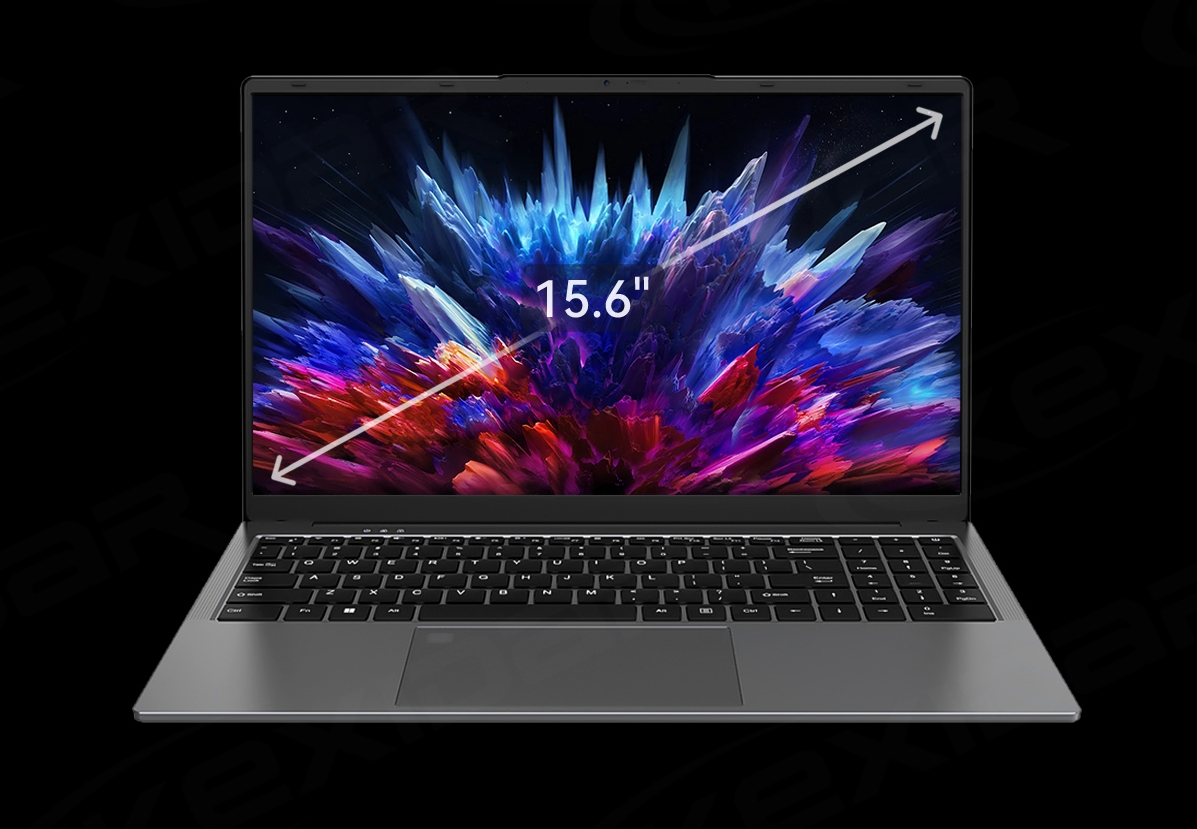
Measuring Laptop Screen Size
Laptop screens come in different sizes, resolutions, and display types, making it critical to measure the screen accurately when shopping for a new laptop or choosing a portable monitor. Knowing the dimensions of your laptop screen can also help customize your screen resolution, set display preferences, or troubleshoot display issues. In this guide, we will explore different methods for measuring laptop screen size and tips to ensure accurate measurements.
Understanding Laptop Screen Size
Screen size typically refers to the diagonal measurement of a laptop screen, from one corner to the opposite corner along the screen's border. The screen size is measured in inches and often rounded up to the nearest whole number, such as 13, 15, 17, or 21 inches. However, the actual size can vary slightly depending on the measuring method and the aspect ratio of the screen.
Aspect ratio refers to the proportion of the width and height of the screen, typically expressed as two numbers separated by a colon, such as 16:9, 4:3, or 3:2. The aspect ratio affects the viewable area of the screen and determines how much black space, or bezel, surrounds the screen. Common aspect ratios for laptops are 16:9, which is widescreen, and 4:3 or 3:2, which are more square or portrait-oriented.
Resolution refers to the number of pixels, or tiny dots of light, that make up the image on the screen. Higher resolutions mean more pixels, which can result in sharper and more detailed images. The resolution is often expressed as the number of pixels horizontally and vertically, such as 1920x1080 or 1366x768, and can also impact the size of the icons, text, and other elements on the screen.
Method 1: Measure the Visible Area
One of the easiest and most common ways to measure the laptop screen size is to measure the visible area of the screen, excluding the black border or bezel. For this method, you will need a measuring tape or ruler that can measure inches.
1. Turn off your laptop and close the lid.
2. Position your measuring tape or ruler at the bottom left corner of the screen, where the bezel meets the screen.
3. Measure diagonally to the top right corner of the screen, where the opposite bezel meets the screen.
4. Round up your measurement to the nearest whole number in inches.
2. Position your measuring tape or ruler at the bottom left corner of the screen, where the bezel meets the screen.
3. Measure diagonally to the top right corner of the screen, where the opposite bezel meets the screen.
4. Round up your measurement to the nearest whole number in inches.
For example, if your measurement is 13.7 inches, round it up to 14 inches. This measurement is your laptop screen size.
Method 2: Check the Manual or Manufacturer's Website
Another way to determine your laptop screen size is to check the manual or specifications sheet that came with your laptop or find the information on the manufacturer's website. Most laptop manufacturers provide detailed information about the screen size, resolution, and aspect ratio of each model. You can also search for your laptop model and review the specifications online.
Method 3: Use Third-Party Software
If you cannot find the screen size information through methods 1 or 2, you can use third-party software to get the details. Several software programs can diagnose and display the hardware and software specifications of your laptop, including the screen size and resolution. One such program is Speccy, a free tool that can scan your laptop and generate a detailed report on its different components.
Tips for Accurate Measurements
To ensure the most accurate laptop screen size measurements, consider the following tips:
Measure the visible area of the screen, not including the bezel, to get the most precise size.
Use a measuring tape or ruler that can measure inches, and position it at the bottom left corner of the screen for consistency.
Use a measuring tape or ruler that can measure inches, and position it at the bottom left corner of the screen for consistency.
Round up your measurement to the nearest whole number in inches, as most manufacturers use round numbers to advertise their screen sizes.
Keep in mind that the aspect ratio and resolution can impact the viewable area of the screen, and thus, affect the measured size. For example, a 15-inch laptop with a 4:3 aspect ratio will have a different screen size than a 15-inch laptop with a 16:9 aspect ratio.
Verify your measurements with the manufacturer's specifications or a third-party software tool, especially if you plan to purchase a replacement screen or monitor.
Conclusion
Measuring laptop screen size is a crucial step in selecting a laptop or troubleshooting display issues. Understanding the different methods and tips for measuring screen size can help you make informed decisions and ensure accurate measurements. Whether you measure the visible area of the screen, check the manual or website, or use third-party software, make sure to account for the aspect ratio and resolution to get the most precise measurements.
How to connect beats to laptop
General troubleshooting of computers
Related Article
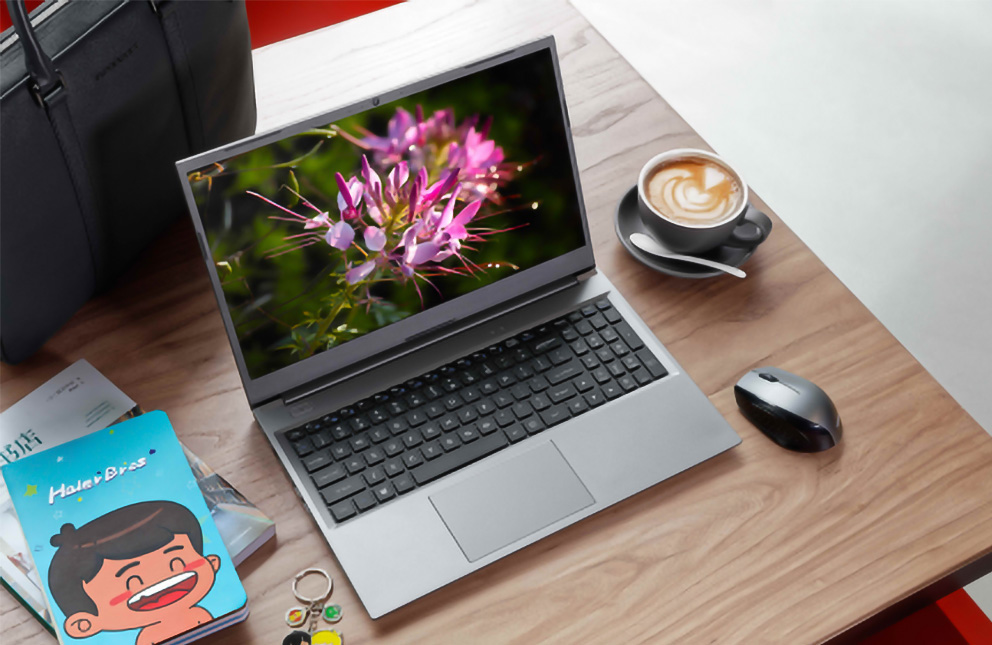
But here’s the question I hear constantly: "What’s a good work laptop?" Not the most expensive. Not the one with specs that could launch a spaceship. Just a solid, reliable machine that won’t let you down during a deadline or feel like a brick in your backpack.
Finding the Perfect Good Work Laptop in 2026
Follow my expert advice to make your Windows 11 PC faster, regardless of its age or specs, without compromising the appearance and functionality of the OS.
Why Is My Laptop So Slow? A Friendly Guide to Restoring Your PC's Speed
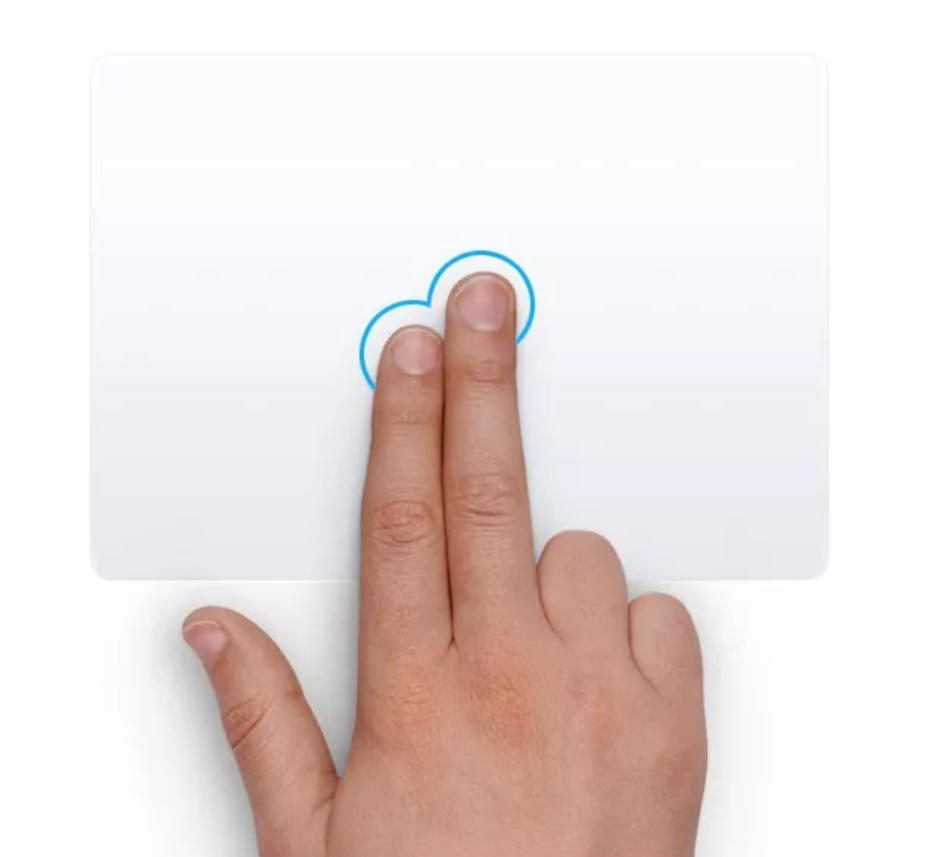
You can right-click on a laptop, even if you're not using a mouse. Here's how to do it on the keyboard and touchpad in both macOS and Windows.
How to Right-Click on a Laptop
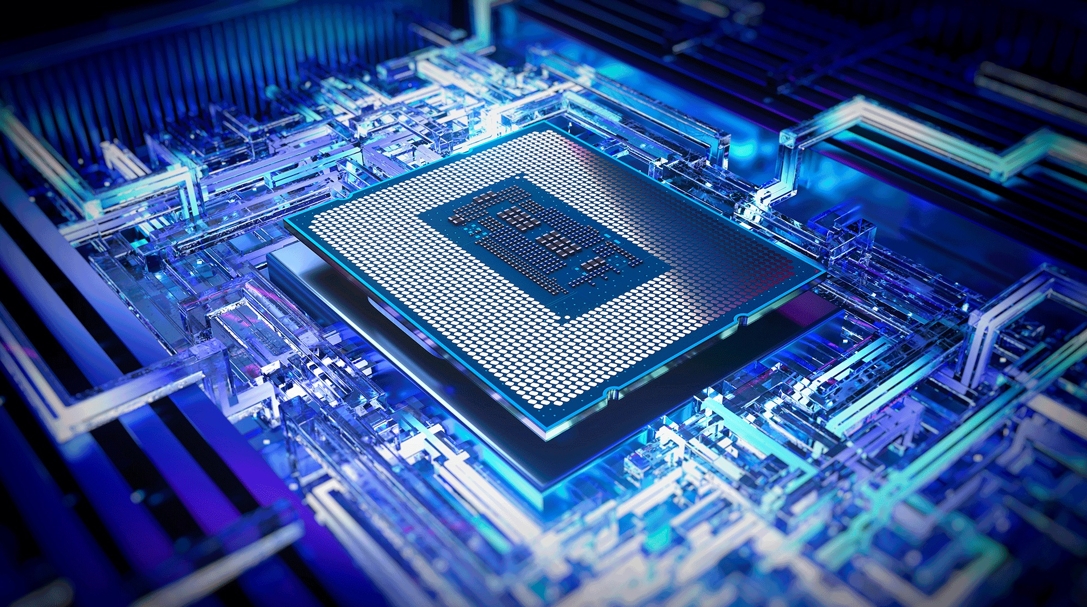
The 2025 Processor Landscape: More Than Just Speed
Today's laptop processors are marvels of engineering that blend raw power with specialized intelligence. Unlike older chips that relied solely on brute force, modern processors integrate dedicated AI engines called NPUs (Neural Processing Units), advanced graphics, and sophisticated power management systems.
Today's laptop processors are marvels of engineering that blend raw power with specialized intelligence. Unlike older chips that relied solely on brute force, modern processors integrate dedicated AI engines called NPUs (Neural Processing Units), advanced graphics, and sophisticated power management systems.
Choose the best laptop processor in 2025