
Understanding the Structure of a Laptop Computer

The CPU, often referred to as the "brain" of the laptop, is responsible for executing instructions and processing data. It handles computations, manages tasks, and runs applications. Modern CPUs, such as those from Intel and AMD, often come with multiple cores, allowing them to perform several tasks simultaneously, which enhances multitasking capabilities and overall performance.
The motherboard, or mainboard, serves as the primary circuit board of the laptop. It provides the electrical connections and pathways that link the CPU, memory, storage, and other components. The motherboard houses the chipset, which manages data flow between the processor, memory, and peripheral devices. It also contains slots for RAM (Random Access Memory) and connectors for other components.
Random Access Memory (RAM) is the temporary storage area where the laptop stores data that is actively being used or processed. The more RAM a laptop has, the more applications it can handle simultaneously without slowing down. RAM is volatile memory, meaning it loses its contents when the laptop is powered off, so it's essential for short-term tasks and operations.
Storage is where all the data, including the operating system, applications, and files, is permanently stored. Laptops come with either Hard Disk Drives (HDDs) or Solid State Drives (SSDs). HDDs use spinning disks and read/write heads to access data, while SSDs use flash memory for faster access times and greater durability. SSDs are generally preferred for their speed and reliability.
The GPU, or graphics card, handles rendering images, videos, and animations. It offloads these tasks from the CPU, allowing for smoother graphics performance and better visual quality. Laptops may have integrated graphics, which share system memory with the CPU, or dedicated GPUs, which have their own memory and processing power.
Due to the high processing power of modern laptops, effective cooling is essential to prevent overheating. The cooling system typically includes one or more fans and heat pipes that dissipate heat away from the CPU, GPU, and other critical components. Some high-performance laptops use advanced cooling technologies, such as liquid cooling systems, to manage temperatures more efficiently.
The battery powers the laptop when it is not plugged into an external power source. It typically consists of lithium-ion or lithium-polymer cells and is designed to provide several hours of usage on a single charge. Battery life can vary depending on the laptop's power management settings, screen brightness, and the types of applications being used.

The display, or screen, is one of the most visible components of a laptop. It typically uses LCD (Liquid Crystal Display) or LED (Light Emitting Diode) technology. High-end models may feature IPS (In-Plane Switching) panels for better color accuracy and wider viewing angles. The hinges allow the screen to open and close smoothly while maintaining the desired angle for comfortable viewing.
The keyboard and touchpad are the primary input devices on a laptop. The keyboard layout varies by region and model, but it generally includes function keys, alphanumeric keys, and special keys like Enter and Shift. The touchpad allows users to control the cursor and execute commands through touch gestures. Some laptops also feature fingerprint scanners for added security.
Laptops come equipped with various ports and connectivity options to interface with other devices. Common ports include USB (Universal Serial Bus) ports, HDMI (High-Definition Multimedia Interface) for external displays, and audio jacks for headphones and microphones. Modern laptops may also include SD card readers and Ethernet ports, although some newer models are increasingly relying on wireless connectivity like Wi-Fi and Bluetooth.
Laptops are equipped with built-in speakers and a microphone for audio output and input. The quality of these components can vary, with higher-end models offering better sound quality and noise-cancellation features. These are essential for video conferencing, media playback, and other audio-related tasks.
12. Wireless Modules
Most laptops come with integrated wireless modules for Wi-Fi and Bluetooth connectivity. The Wi-Fi module allows the laptop to connect to wireless networks, while the Bluetooth module enables communication with peripheral devices like wireless keyboards, mice, and headphones.
Conclusion
The structure of a laptop computer is a harmonious blend of various components, each playing a critical role in its overall functionality. From the CPU and RAM to the battery and display, every element is carefully engineered to deliver a seamless computing experience. Understanding these components not only helps in appreciating the complexity of laptops but also assists in troubleshooting and upgrading these versatile devices. Whether you’re a tech enthusiast or a casual user, knowing how your laptop works can enhance your ability to use it effectively and maintain its performance over time.
General troubleshooting of computers
Related Article
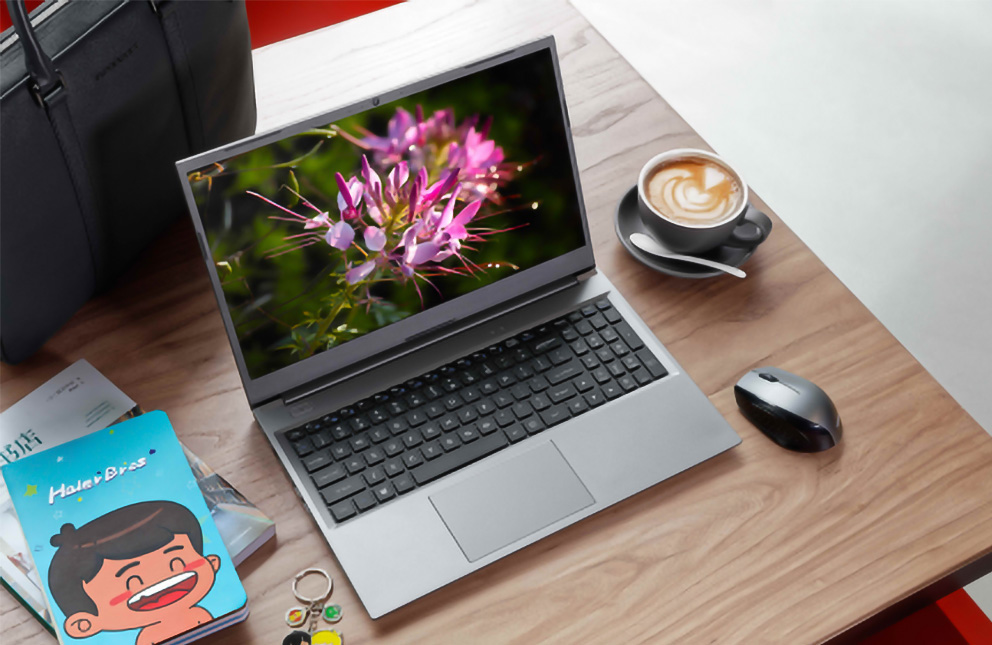

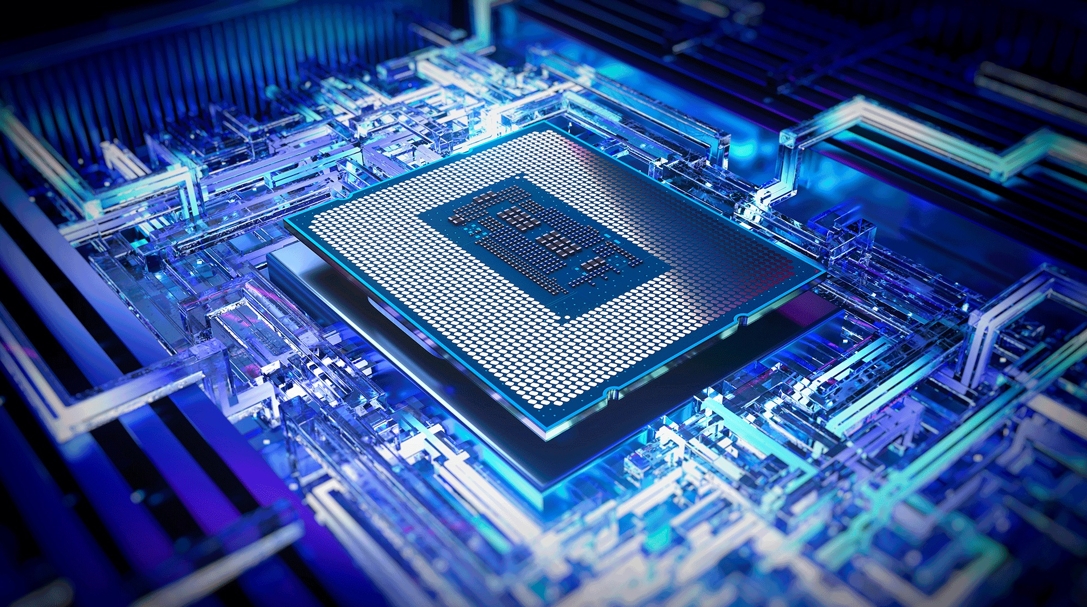
Today's laptop processors are marvels of engineering that blend raw power with specialized intelligence. Unlike older chips that relied solely on brute force, modern processors integrate dedicated AI engines called NPUs (Neural Processing Units), advanced graphics, and sophisticated power management systems.